
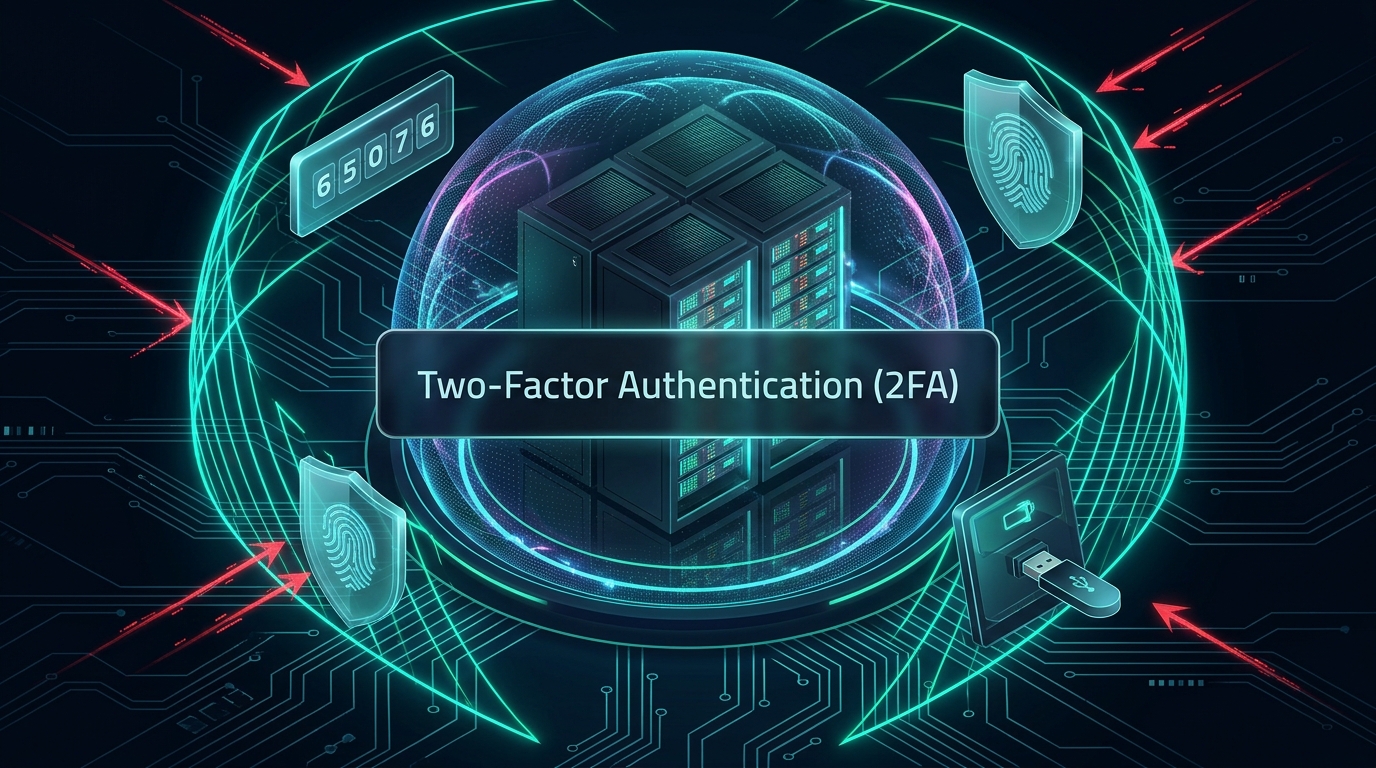
Quick Answer: Why 2FA is Mandatory for Hosting Infrastructure
Two-Factor Authentication (2FA) and Multi-Factor Authentication (MFA) enforce a secondary verification layer—such as a Time-based One-Time Password (TOTP) generated by an authenticator app (Google Authenticator, Bitwarden, 1Password) or a hardware security key (FIDO2 / YubiKey)—in addition to your standard password. Enabling 2FA across your web hosting control panel (DirectAdmin/cPanel), billing portal, and SSH bastion hosts eliminates over 99.9% of automated credential stuffing, brute-force dictionary attacks, and phishing compromises, preventing unauthorized access even if your root password is leaked.
According to global cybersecurity threat intelligence reports, over 80% of server breaches and web application intrusions originate from stolen, weak, or reused administrative credentials. With automated botnets continually scanning port 22 (SSH) and hosting management ports (2083, 2222) across public IP ranges, relying solely on static passwords—no matter how complex—is an unacceptable operational vulnerability.
Modern hosting security requires a defense-in-depth posture where identity verification relies on multiple independent factors. In this comprehensive infrastructure guide, we analyze the mechanics of modern authentication protocols, contrast TOTP vs FIDO2 hardware tokens, provide step-by-step instructions for enforcing 2FA on Linux SSH and hosting control panels, and examine how MeraHost secures mission-critical client accounts.
Authentication Protocol Comparison: SMS vs TOTP vs FIDO2 / Passkeys
Not all two-factor authentication methods offer equivalent security. As threat actors have developed sophisticated SIM-swapping and reverse-proxy phishing kits, authentication standards have evolved:
1. How Time-Based One-Time Passwords (TOTP) Work Under the Hood
When you scan a QR code to enable 2FA on your hosting account, your authenticator app receives a cryptographic secret key (typically a Base32-encoded 160-bit string). The mathematical authentication handshake follows standard RFC 6238:
- Both the server and your authenticator app sample the current Unix timestamp and divide it by the 30-second window interval:
T = floor(current_unix_time / 30). - An HMAC-SHA1 hash is computed using your shared secret key and the time counter
T. - Dynamic truncation extracts a 4-byte string from the hash, converting it into a 6-digit numeric token.
Because this code changes every 30 seconds and is never transmitted across the network during registration, a hacker cannot deduce future or past codes even if they intercept a single valid token.
2. How to Enforce 2FA on Linux SSH Bastion Hosts with Google Authenticator
Securing root or sudo SSH access is critical on production VPS and dedicated instances. You can enforce PAM (Pluggable Authentication Modules) TOTP verification on your Linux servers in four steps:
dnf install -y epel-release && dnf install -y google-authenticator # AlmaLinux/RHEL
# or: apt install -y libpam-google-authenticator (Ubuntu/Debian)
# 2. Initialize 2FA key generation for your user
google-authenticator -t -d -f -r 3 -R 30 -W
# 3. Append PAM configuration to /etc/pam.d/sshd
echo “auth required pam_google_authenticator.so” >> /etc/pam.d/sshd
# 4. Enforce ChallengeResponseAuthentication in /etc/ssh/sshd_config
sed -i ‘s/^KbdInteractiveAuthentication no/KbdInteractiveAuthentication yes/’ /etc/ssh/sshd_config
systemctl restart sshd
Once active, any administrator connecting via SSH must present both their SSH private key passphrase and their rolling 6-digit TOTP code before the shell initializes.
Enterprise Hosting with Built-in 2FA & Hardware Security
Every MeraHost account features native Two-Factor Authentication support across client billing, DirectAdmin, cPanel, and phpMyAdmin. Protect your domains, SSL certs, and NVMe server instances with bank-grade security.
3. Step-by-Step: Enabling 2FA on Your MeraHost Control Panel
Enabling 2FA on your MeraHost shared hosting or VPS account requires under two minutes:
- Log into your DirectAdmin or cPanel dashboard.
- Navigate to Account Manager → Two-Factor Authentication.
- Click Generate Secret Key to display your unique QR code and backup recovery scratch codes.
- Open your authenticator app (Google Authenticator, Bitwarden, Authy, or 1Password) and scan the QR code.
- Input the generated 6-digit confirmation code into the control panel and click Enable.
- Critical: Copy and store your single-use emergency recovery scratch codes in an offline, encrypted vault.
Frequently Asked Questions
What happens if I lose my phone and cannot generate a 2FA code?
When you first configure 2FA, you are provided with emergency single-use backup recovery scratch codes. If you misplace your authenticator device, you can use one of these scratch codes to log in. Alternatively, MeraHost customer support can verify your identity through out-of-band KYC channels to reset your 2FA profile.
Can 2FA slow down my server or website?
No. 2FA only executes during the administrative login authentication phase for control panel and SSH access. It has zero impact on public website traffic, WordPress execution times, or server page load speeds.
Are hardware security keys like YubiKey better than authenticator apps?
Yes. FIDO2 / WebAuthn hardware keys utilize public-key cryptography that cryptographically validates the website origin URL. This makes hardware keys completely immune to adversary-in-the-middle (AitM) phishing websites that attempt to intercept live TOTP tokens.
Should I also enable 2FA on my WordPress wp-admin?
Absolutely. WordPress wp-login.php is the number one target for automated brute-force botnets on the internet. Enforcing 2FA for all WordPress Administrator and Editor accounts using plugins like Wordfence, WP 2FA, or LiteSpeed Cache security modules eliminates unauthorized back-end intrusions.